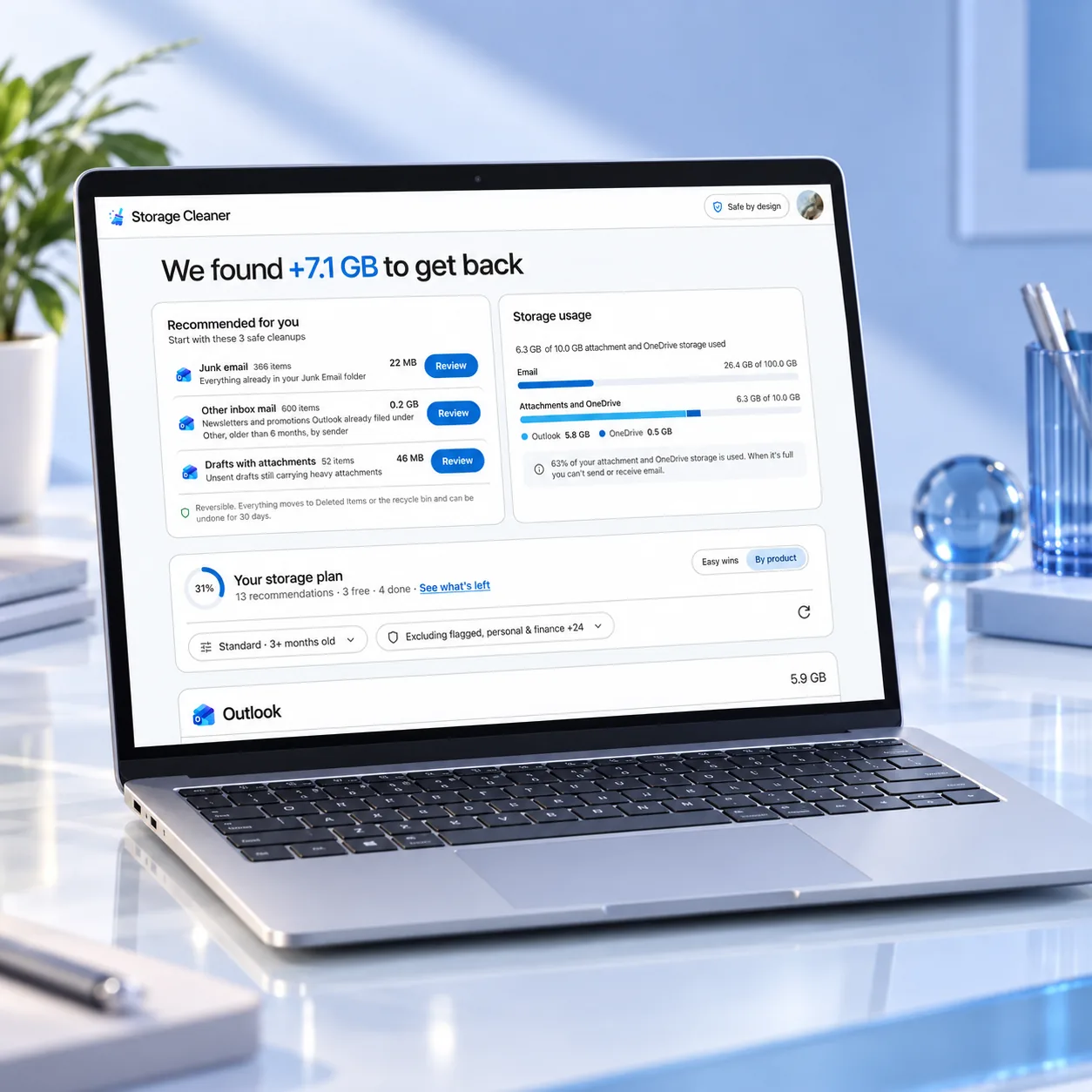
Free up storage for Outlook and OneDrive.

See what's filling your Microsoft storage, without your emails or files ever leaving your device. Scan locally, review first, and clean up only what you approve.

Scan my account

Free scan · No new account · Chrome extension

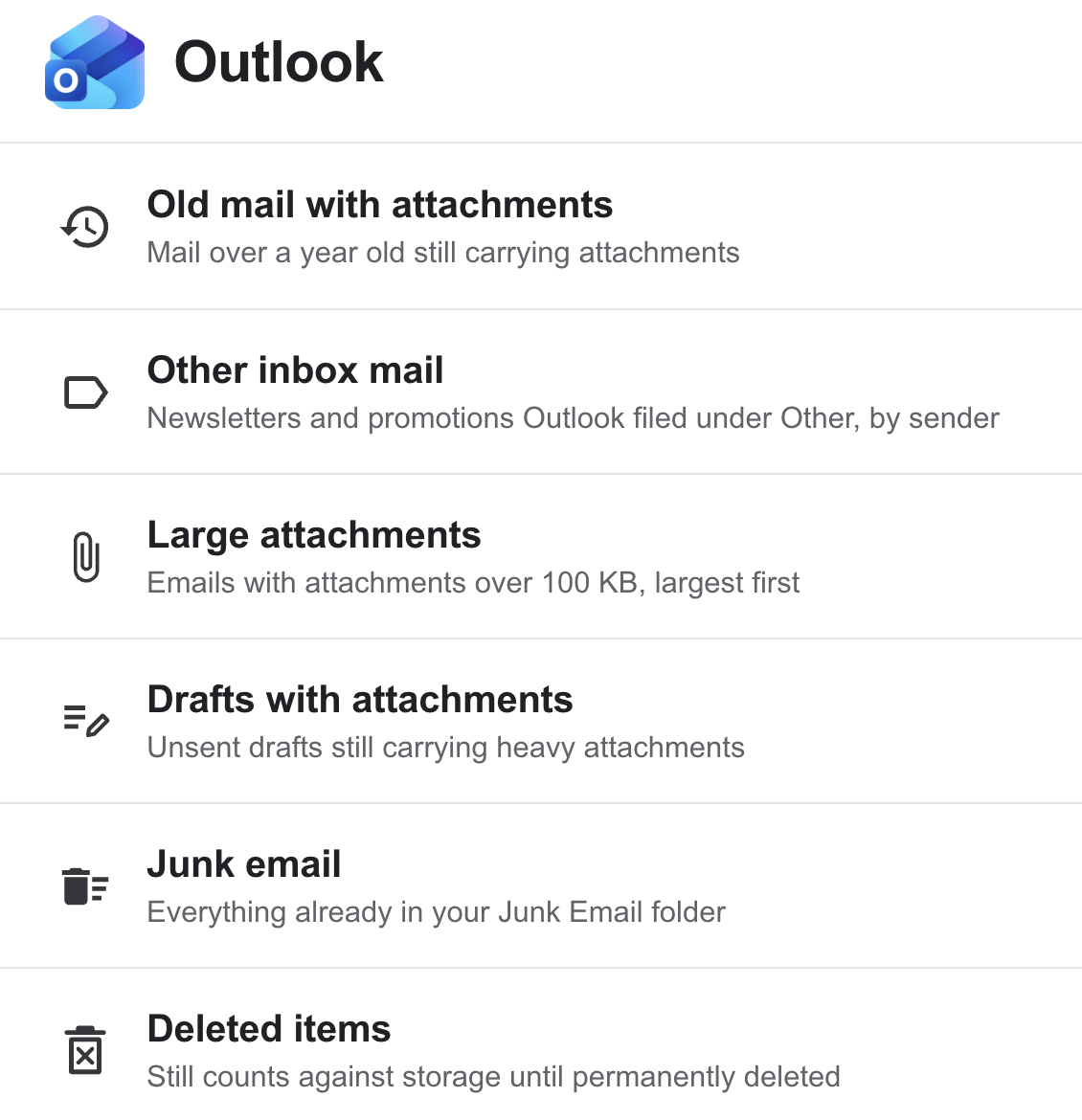
Storage Cleaner reviews Outlook categories including old mail with attachments, other inbox mail, large attachments, drafts with attachments, junk email, and deleted items; plus OneDrive categories including large files, large videos, duplicate files, screenshots, old file versions, and the OneDrive recycle bin.

What Storage Cleaner can do

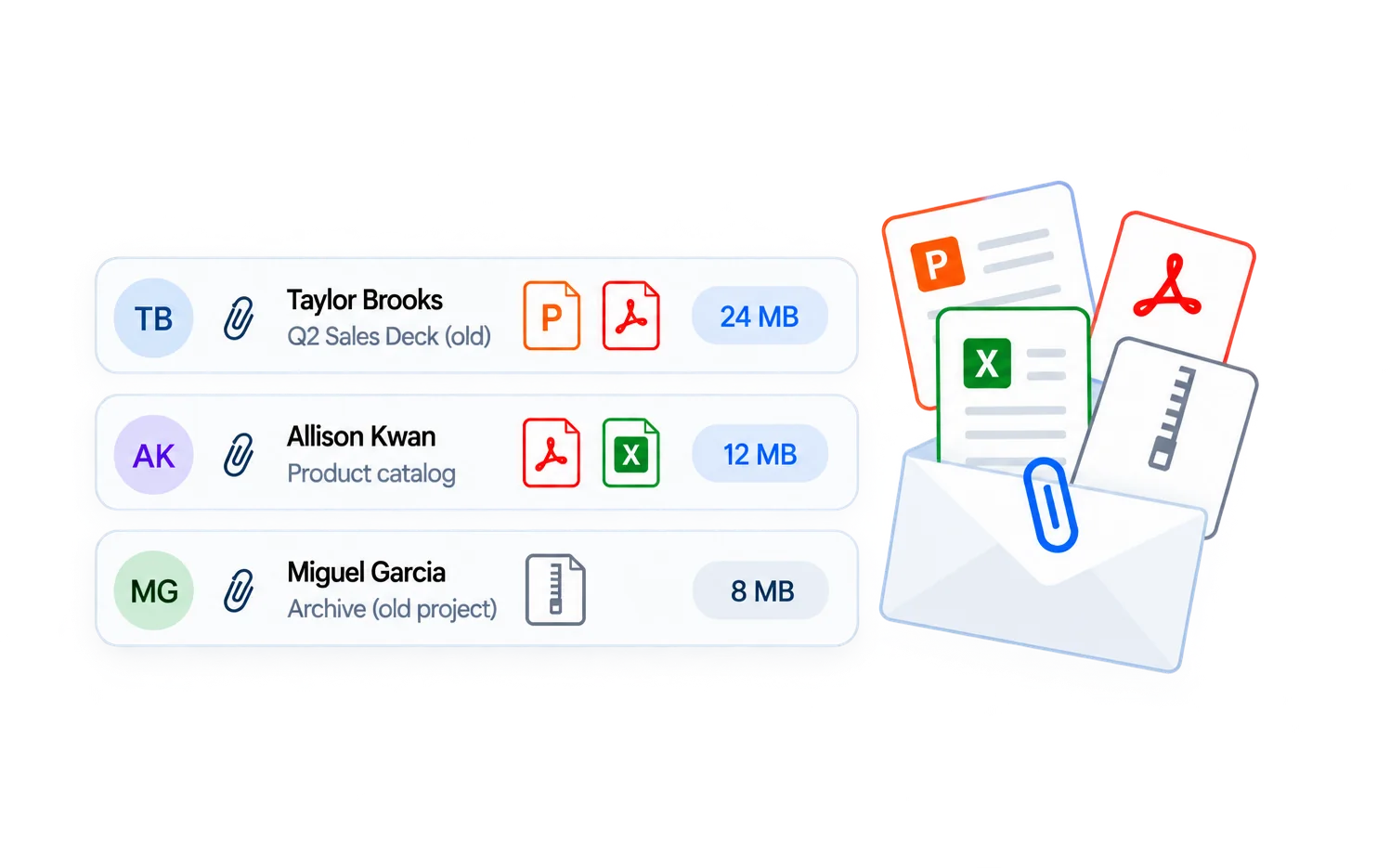
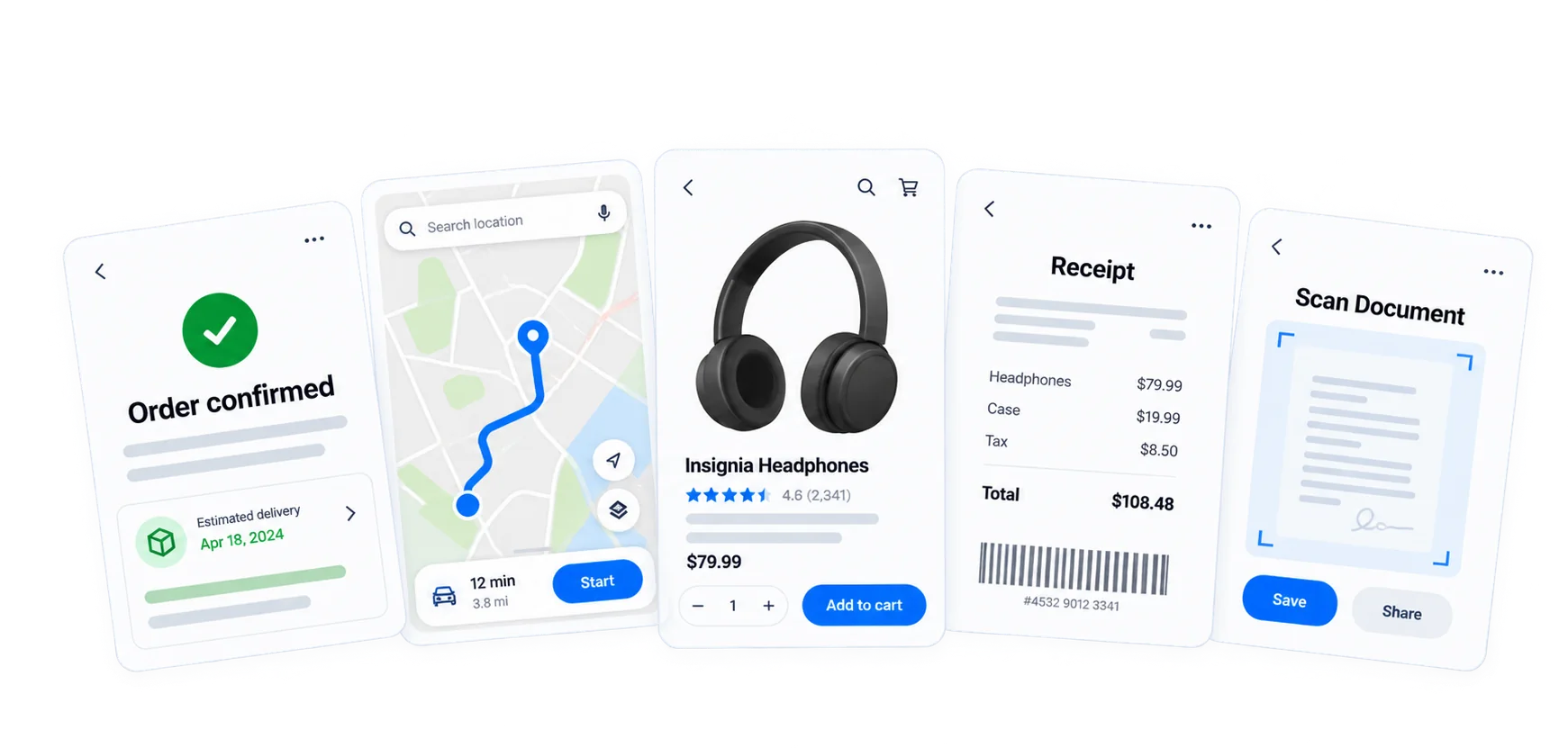
Smart Scan interface preview.
Smart Scan

See exactly what's filling your storage.

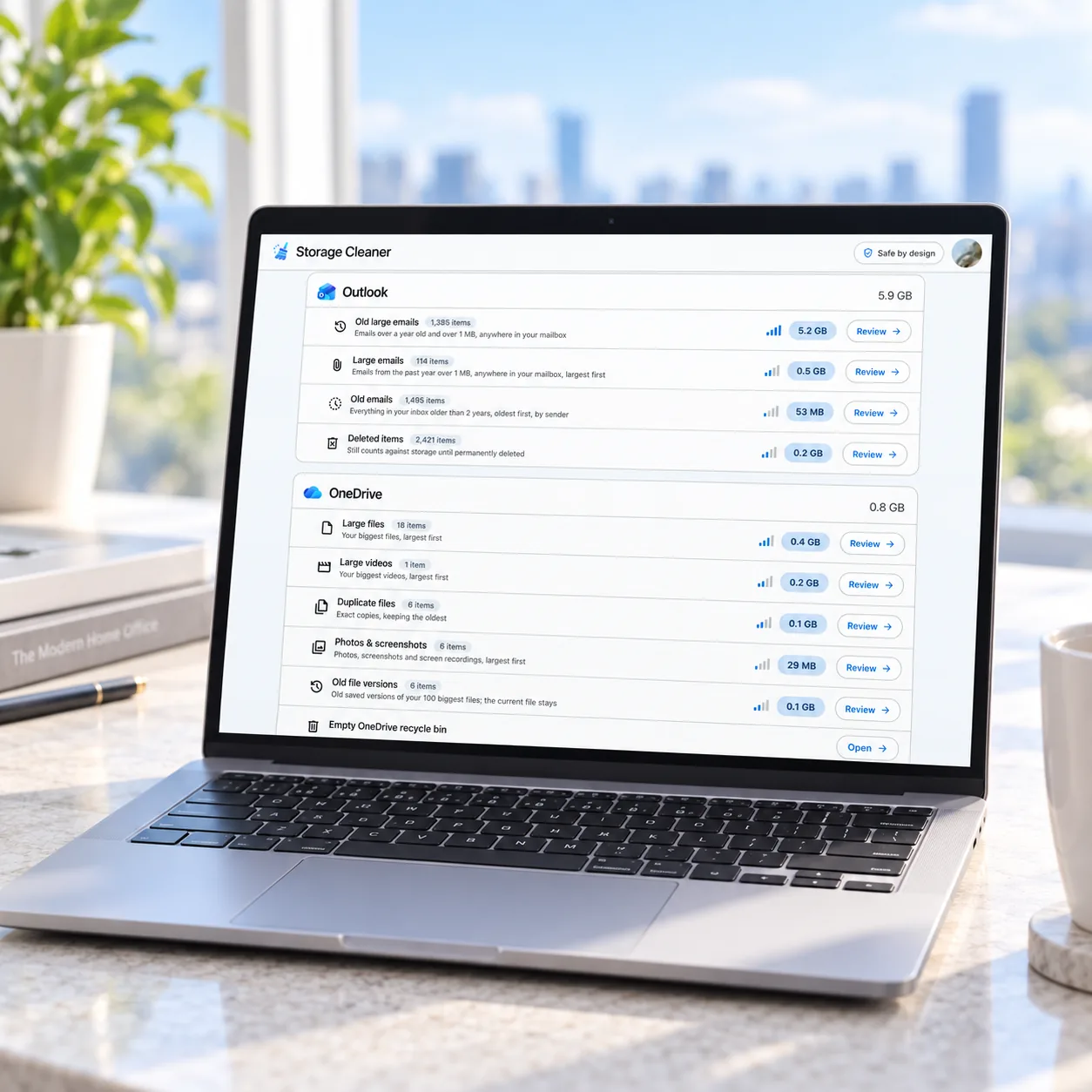
One free scan reads across Outlook and OneDrive and ranks every cleanup by how much space it frees: large attachments, big files, duplicates, old versions, junk, and both recycle bins. You know what each cleanup is worth before you touch anything.

Outlook Cleanup interface preview.
Outlook Cleanup

Clear the mail that's eating your quota.

Large attachments are usually the biggest win, and they count against your Microsoft storage alongside OneDrive. Storage Cleaner finds them, plus years of promotions and junk, sorted by size and age. Picks move to Deleted Items first, reversible until you empty it. Flagged and important mail is never included.

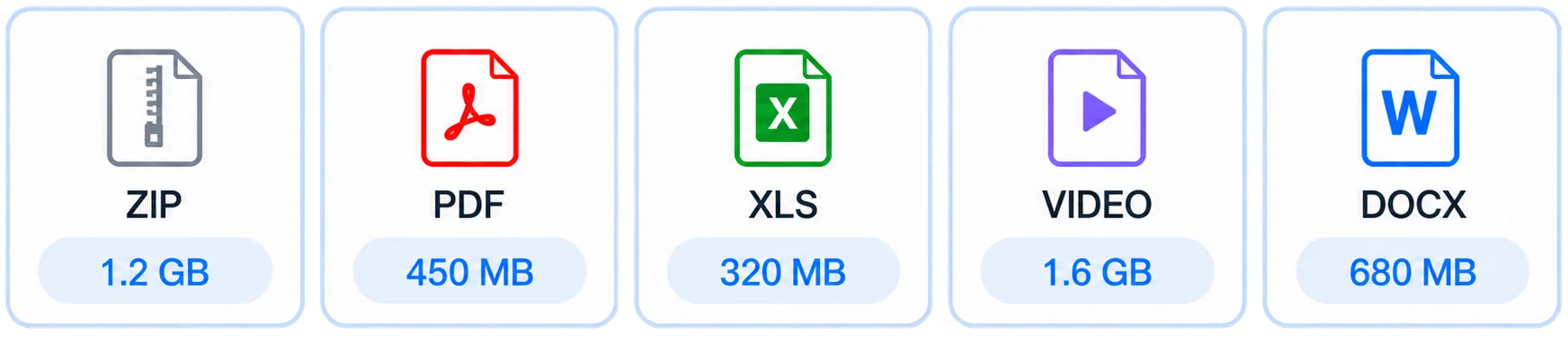
OneDrive Cleanup interface preview.
OneDrive Cleanup

Find the files hiding in OneDrive.

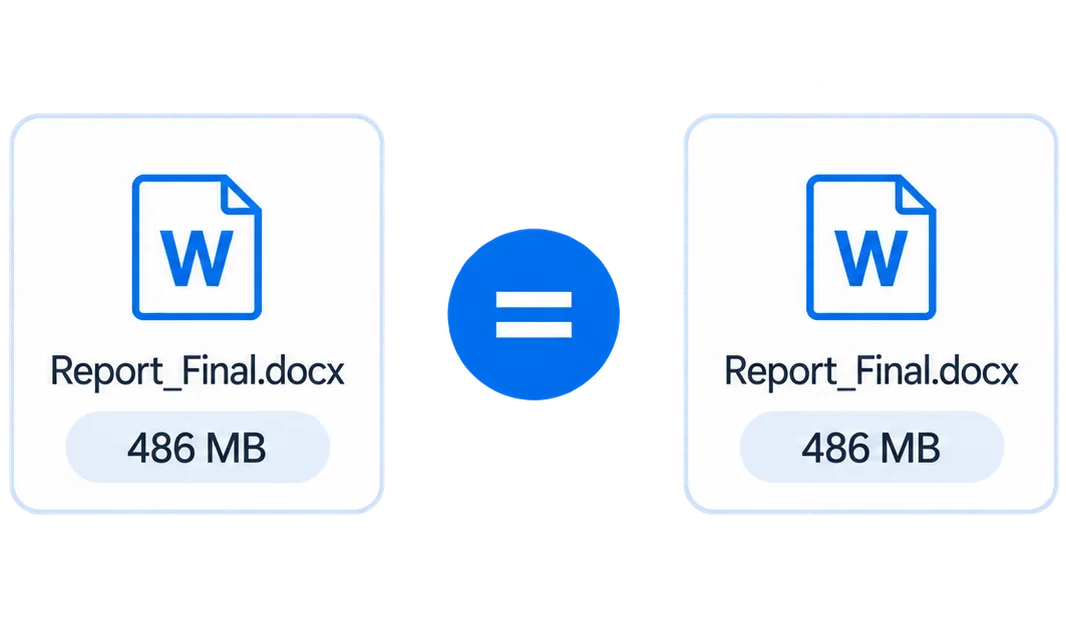
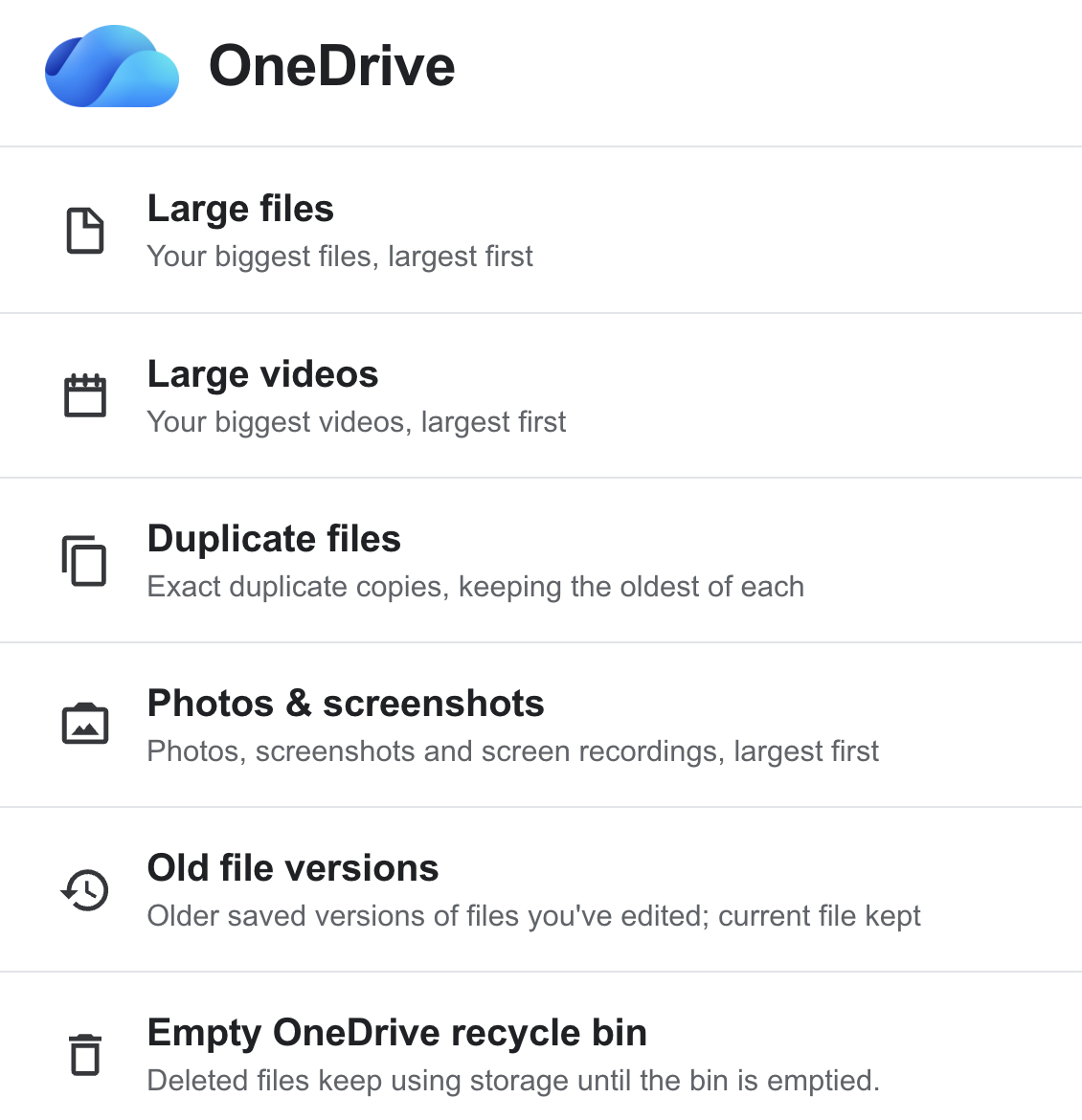
Your largest files and videos, ranked by size. Exact duplicates matched by file content, with the original left in place. And old file versions that appear in no folder but still count. What you approve goes to the recycle bin, generally recoverable for up to 30 days.

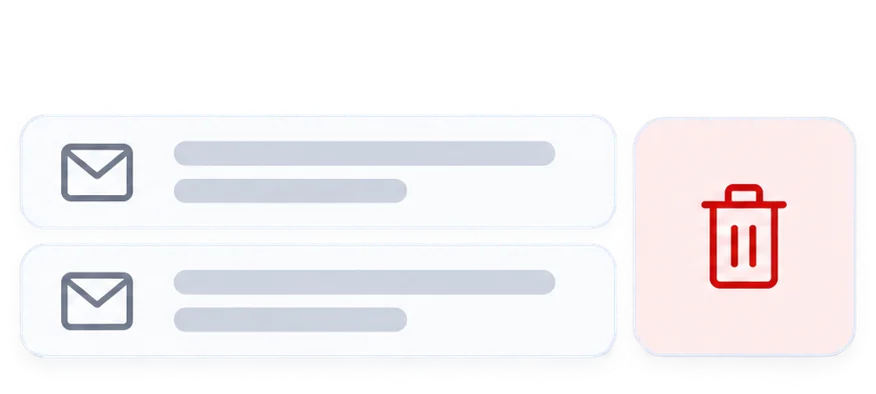
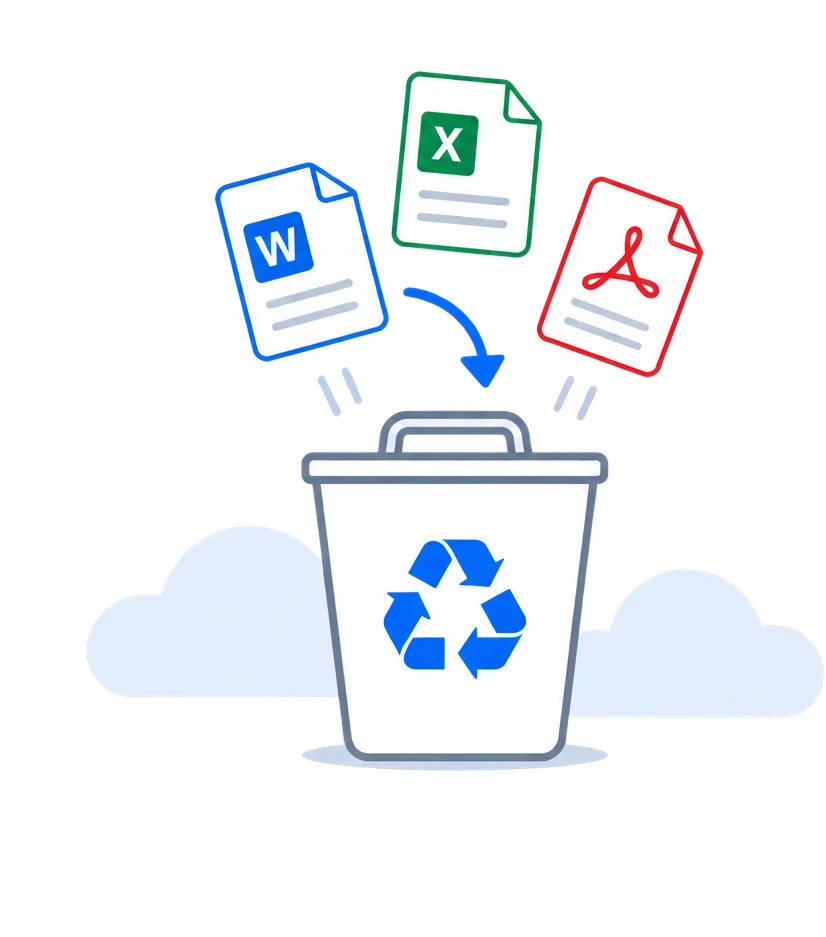
Deleted Items and Recycle Bin interface preview.
Deleted Items and Recycle Bin

Empty what still counts against you.

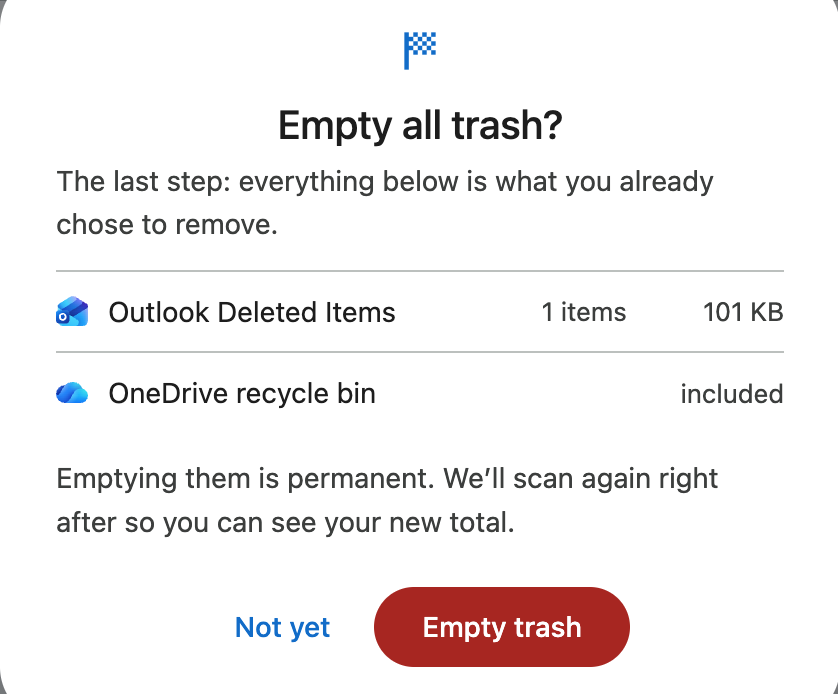
Deleted isn't gone. Deleted Items and the OneDrive recycle bin keep counting against your storage until emptied, which is why you can delete hundreds of emails and still see 'storage full.' Emptying them is where the space comes back, so that permanent step is labeled and confirmed separately.

Free up storage across Outlook and OneDrive: attachments, large files, duplicates, and old versions.

Your emails and files stay in your Microsoft account.

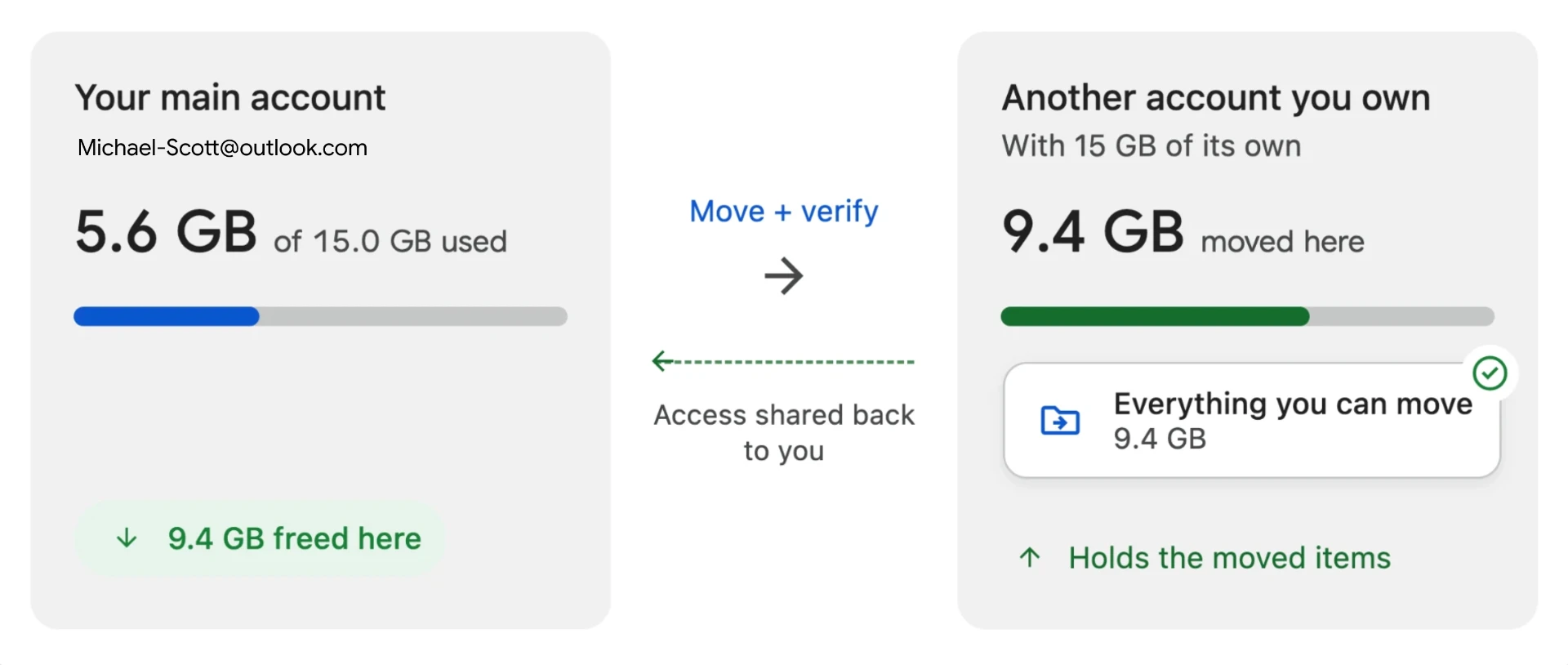
Storage Cleaner runs in your browser. Requests go directly between your browser and Microsoft, and your email and file contents are never uploaded to our servers.

Processed on your device

Scanning and cleanup run locally, inside Chrome on your computer.

Review first

Nothing is moved or deleted without your approval; permanent steps are confirmed separately.

Protected by default

Flagged and important mail is excluded, protected senders and keywords are skipped, and personal-looking files are left unchecked.

Reversible first

Cleanups start in Deleted Items or the recycle bin, generally recoverable for up to 30 days.

Built for the storage you never have time to clean.

A single delete is easy. Ten years of accumulation is the problem. Storage Cleaner turns it into one review list, and you approve every step.

The Outlook.com inbox you've had since Hotmail was cool.

Outlook · ~4 GB

The OneDrive folder full of one-off exports.

OneDrive · ~3 GB

The 20 MB attachment forwarded seventeen times.

Outlook attachments · ~2 GB

The promo emails from a store you visited once.

Promotions · ~1 GB

The five copies of the same PDF, all called 'final'.

OneDrive duplicates · ~1 GB

The 'storage almost full' email you keep ignoring.

Microsoft account · over quota

Quick answers before you install.

Open it. Scan. Decide what goes.

See what's using your Microsoft storage, review the biggest items first, and clean up only what you approve. Works in Chrome on your desktop.

Scan my account